Thank you for visiting the NEW ZEALAND HP Store
-
Contact Us
CONTACT USCall us
- Sales
- 0800 854 848
- Technical support
- +64 9884 8600
Mon-Fri 9.00am - 6.00pm
(exc. Public Holidays)
Chat with us- Our specialist are here to help
- Live chat
Mon-Fri 9.00am - 6.00pm
(exc. Public Holidays)
Submit feedback We value your opinion! - My Account

Search
Laptops
-
Posted: February 20, 2026Categories: Laptops
 Read more »
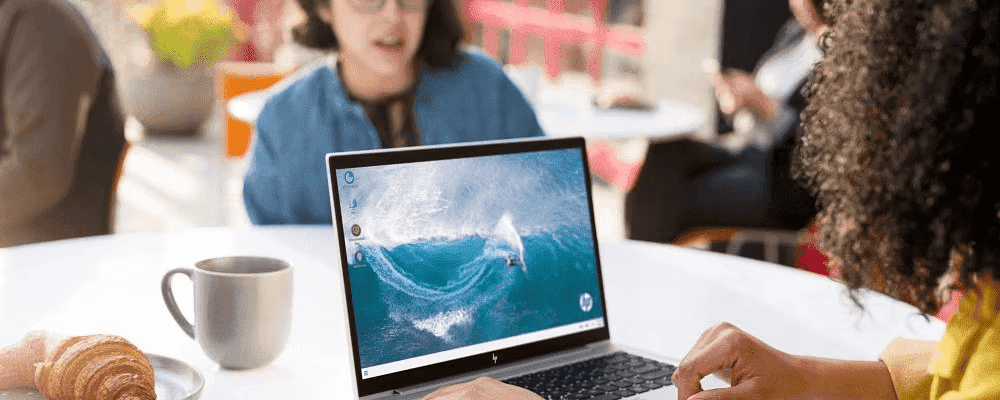
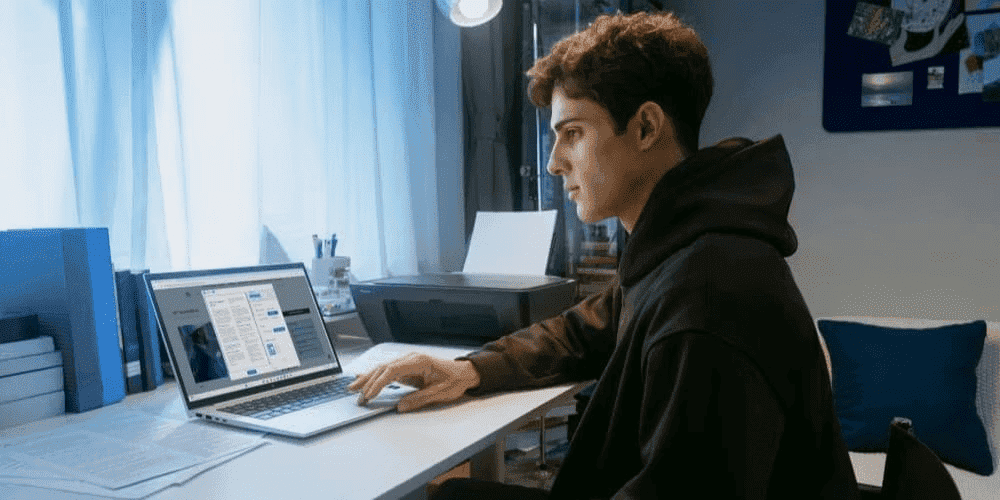
Upgrading to a new machine is exciting, especially when eyeing one of the latest HP laptops. For Kiwis looking to make the most of their technology investments, selling or recycling your old device is both economically sensible and environmentally responsible. But it’s also a little daunting. You want to participate in the circular economy by selling or recycling your old device, but you’re wary of handing it over with sensitive information still on it.
-
Posted: February 12, 2026
 Read more »
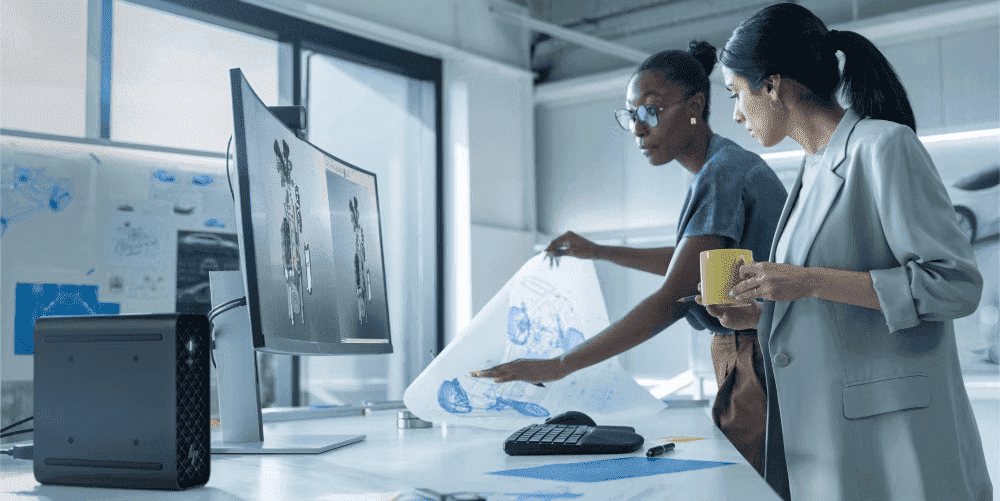
Artificial intelligence is rapidly transforming how we work, learn, and connect in our daily lives, from virtual reality programmes to self-driving vehicles. For Kiwis navigating the demands of modern work and study, AI-powered technology offers practical solutions that can genuinely simplify your routine. Whether you’re video conferencing from home in Auckland, presenting from a Wellington café, or managing coursework in Christchurch, laptops equipped with AI can make your life considerably easier.
-
Posted: February 09, 2026Categories: Laptops
 Read more »
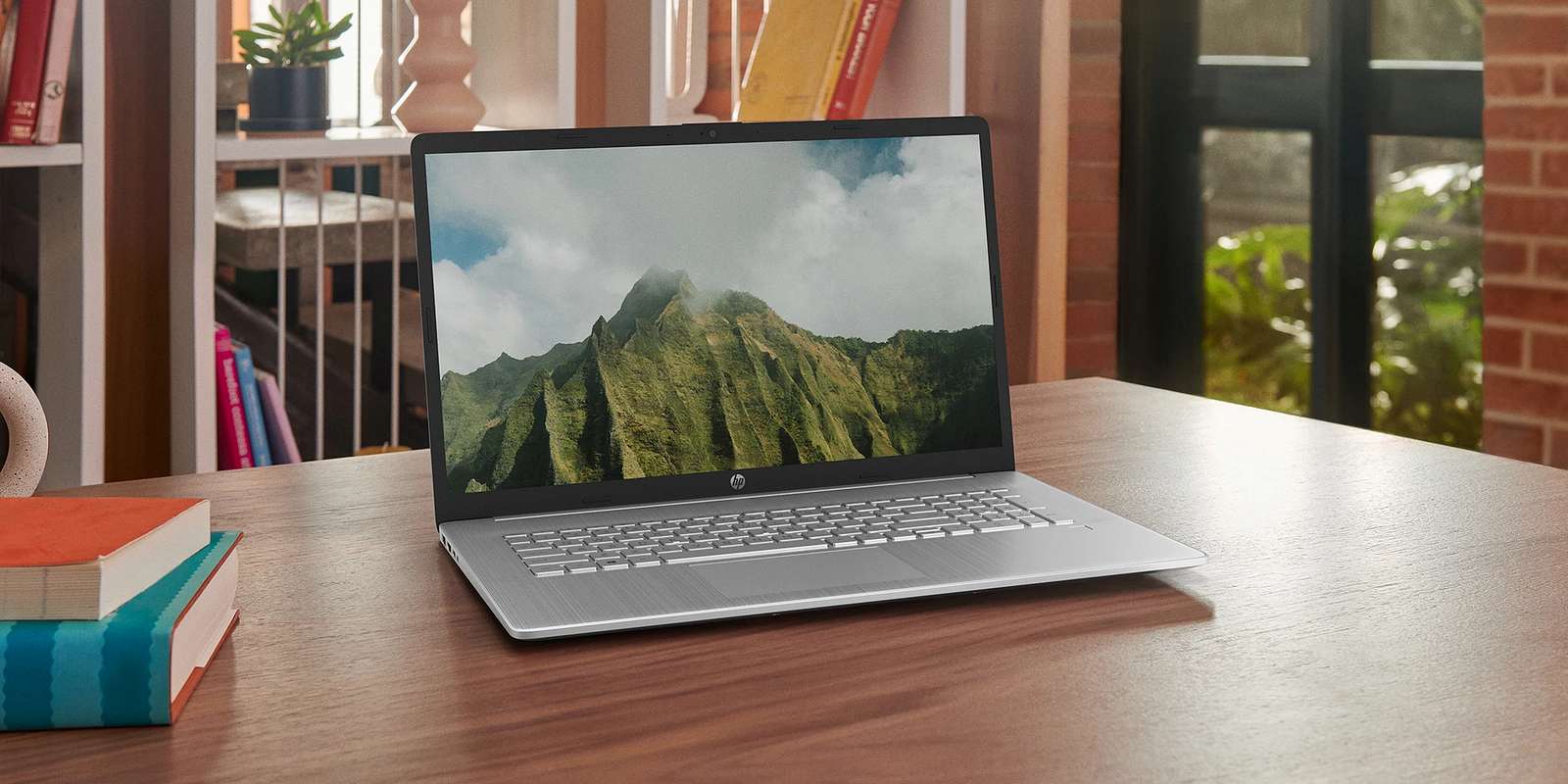
Imagine this: You give your laptop to your seven-year-old for a maths game, but when you return, there’s a new game installed, your desktop is disorganised, and a sticky fingerprint smudges the webcam. Or perhaps your toddler uses your tablet as a temporary dinner tray. If these scenarios sound familiar to Kiwi parents juggling work from home and remote learning, you’re not alone. The critical question is: How can you make a laptop or tablet both safe for children and durable enough for daily use?
-
 Read more »
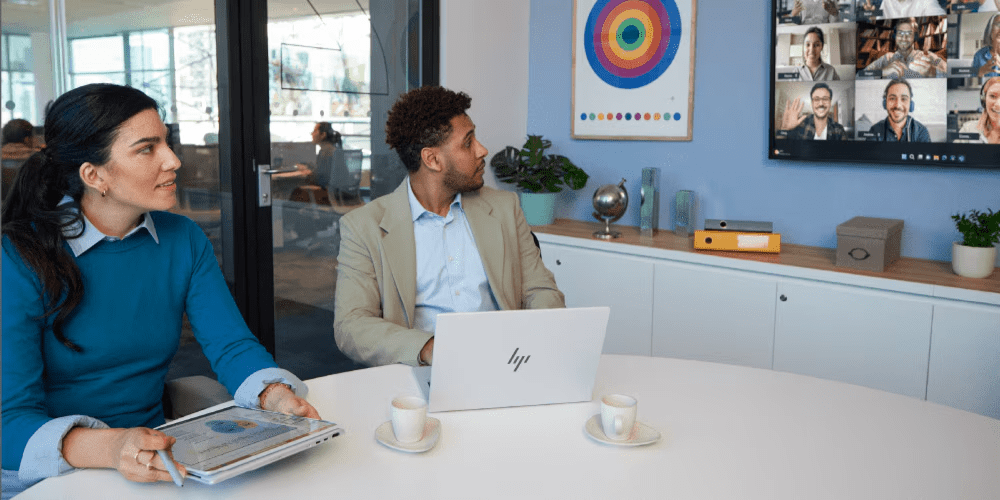
Choosing the right business laptop in 2026 can feel complex, particularly for New Zealand businesses navigating the pace of AI-driven advancements and the demands of hybrid work. Whether you’re managing a team in Auckland’s CBD, consulting across Wellington, or running a growing enterprise in Christchurch, the right device makes all the difference. At HP, we recognise that Kiwi business leaders and IT teams require devices that combine performance, security, and adaptability without compromise. The HP EliteBook X G1i 14-inch touchscreen laptop and the HP EliteBook Ultra G1i rank amongst our premier AI PCs, designed in collaboration with partners like Intel, Microsoft, and NVIDIA. These laptops provide seamless performance for executives, consultants, and IT decision-makers who need devices that deliver value across business productivity, collaboration, and security. This guide compares the EliteBook X G1i vs Ultra G1i across specifications, AI capabilities, design, and cost-effectiveness
-
Posted: December 02, 2025
 Read more »
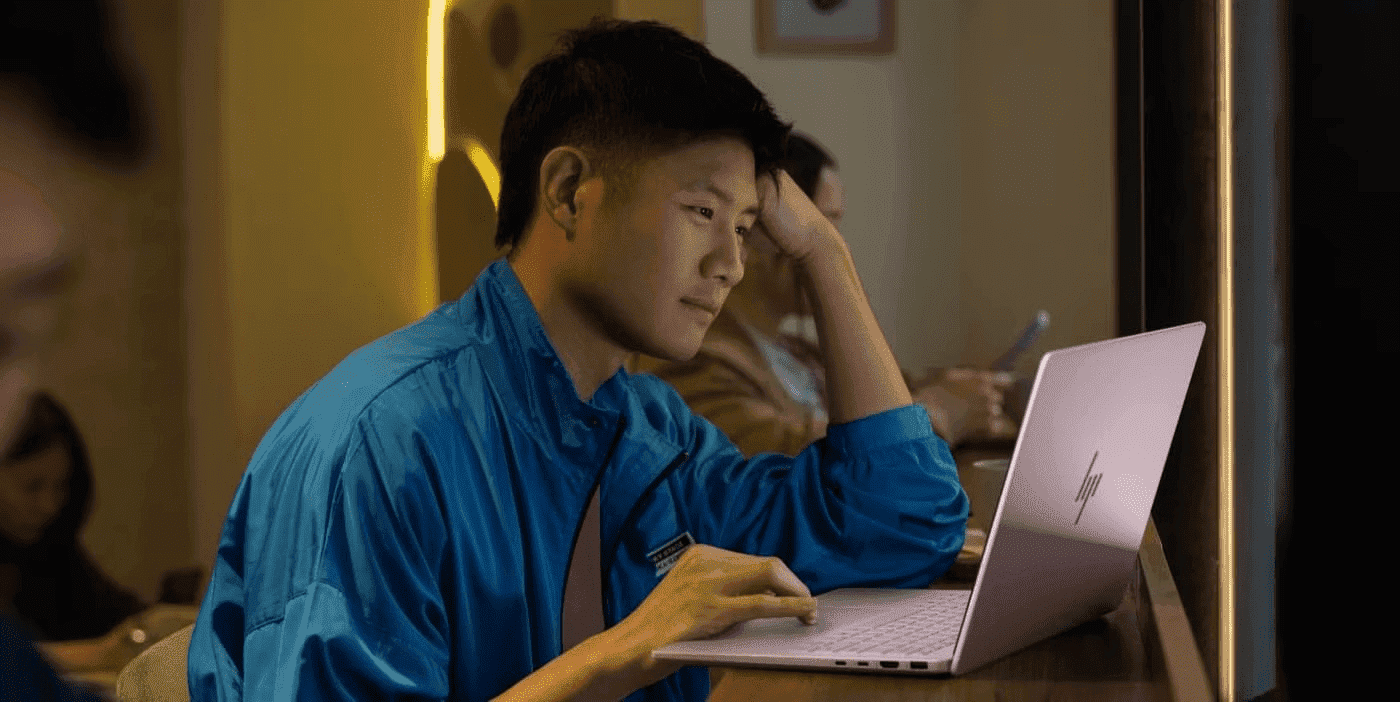
Resetting BIOS on your HP laptop helps resolve performance issues, hardware glitches, and boot errors without touching personal files. Whether you’re troubleshooting a stubborn boot failure or optimising your system’s performance, understanding how to safely reset your laptop’s BIOS is an essential skill for New Zealand users. If you’re wondering “how can I reset BIOS on your device”, this guide will walk you through when a BIOS reset is required, how to perform it, and provide helpful tips along the way. Rest assured, resetting the BIOS preserves your data and maintains system integrity, so your laptop remains secure and functional throughout the process.
-
Posted: November 09, 2025
 Read more »
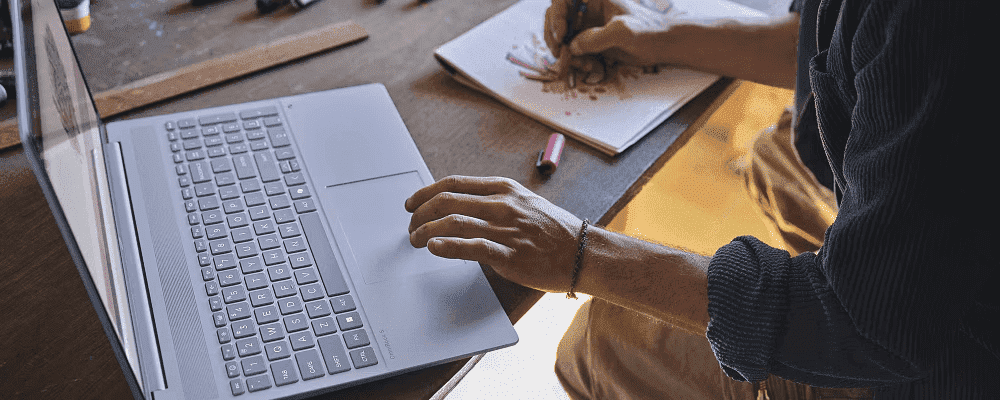
Selecting the ideal laptop for university in 2025 is more challenging than ever for Kiwi students. With the demands of modern coursework, remote collaboration, and the need for devices that can keep up during long days on campus or in the library, finding the right balance of performance, portability, and value is crucial. HP’s innovative HP OmniBook 5 series represents the next generation of student computing, bringing advanced AI capabilities, remarkable battery performance, and premium features into an accessible package designed specifically for the way students work and learn today.
-
Posted: November 08, 2025
 Read more »
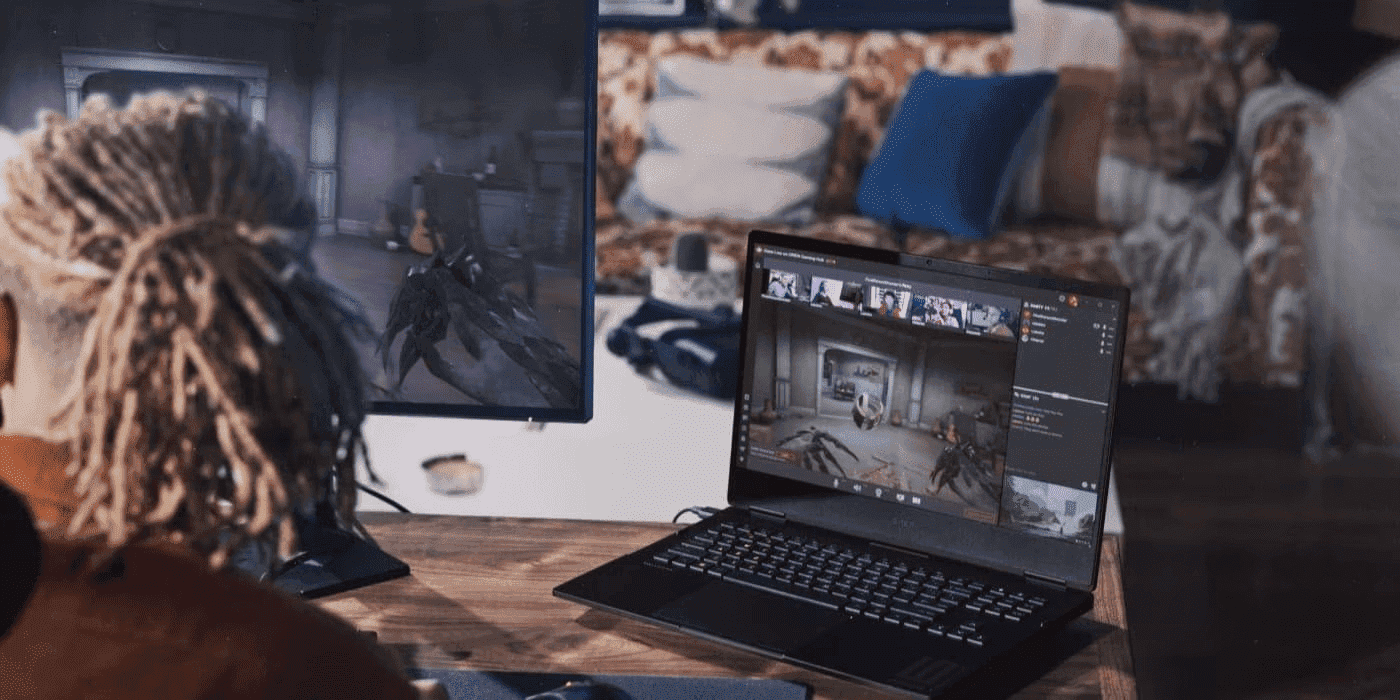
If you’ve purchased an HP OMEN laptop, you’re ready to try out the latest games. But before you embark on your gaming adventures here in New Zealand, why not optimise your system and take advantage of OMEN Gaming Hub features for a seamless experience? With an optimised system:
- You won’t experience stuttering even at high resolutions
- You can switch to higher texture quality for a much more visually impressive experience
- You can max out graphics settings and boost visual quality without losing FPS
- You can enjoy smooth gameplay by matching the FPS to your monitor’s refresh rate
-
Posted: November 07, 2025Categories: Laptops
 Read more »
If you’ve been a fan of HP’s Spectre line, we have news that might surprise Kiwi tech enthusiasts: your beloved premium laptop is evolving. The HP Spectre, which has defined luxury computing for nearly a decade, is transforming into something even better—the HP OmniBook Ultra. Think of it not as a goodbye, but as your favourite laptop growing up and gaining superpowers for the modern computing landscape facing professionals and creatives across New Zealand.
-
Posted: November 07, 2025Categories: Laptops
 Read more »
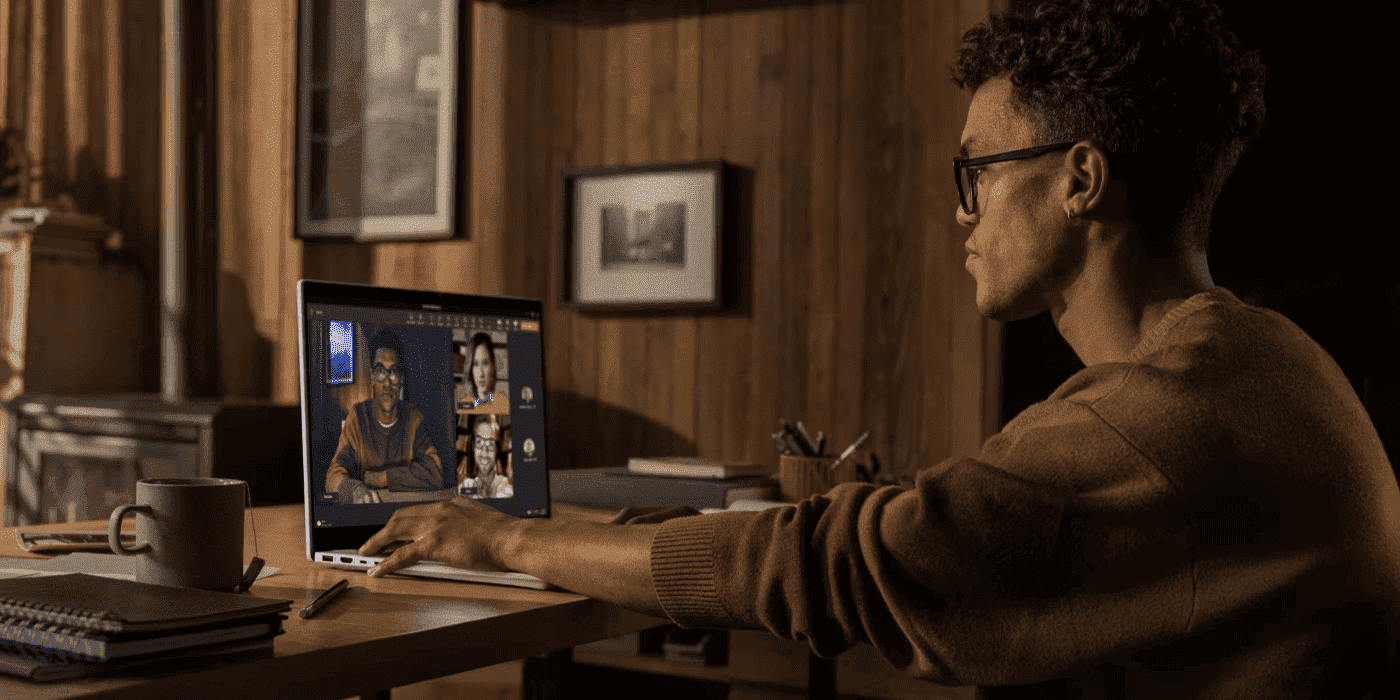
If you’re searching for HP OmniBook X to see what’s new and whether it’s worth upgrading from HP ENVY, you’ve found your answer guide. The HP OmniBook X marks a significant leap forward in HP’s premium laptop lineup, specifically building upon the legacy of the much-loved HP ENVY series. As the ENVY line evolves, HP combines premium thin-and-light design with groundbreaking AI capabilities, ensuring that the newest generation of laptops delivers more than ever before for Kiwi users.
-
Posted: October 18, 2025
 Read more »
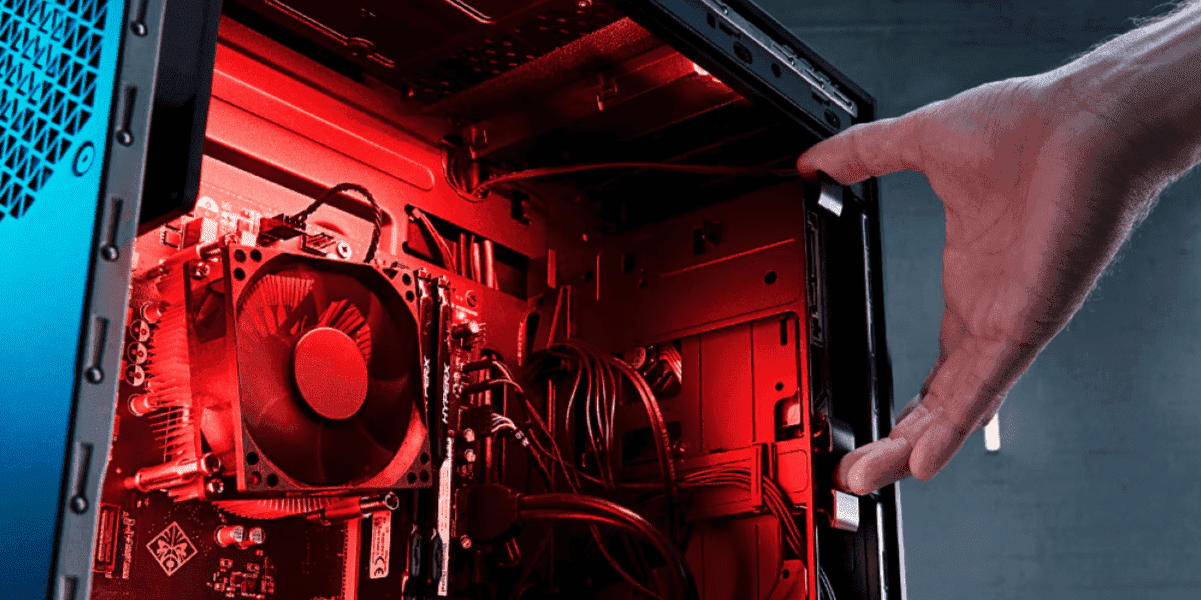
In the modern era, running the latest triple-A (AAA) games and professional creative tools can be challenging, as they require a significant amount of storage. Whether you’re a student at the University of Auckland working on high-resolution video projects or a gamer in Wellington tackling the latest releases, storage demands continue to grow. Game installations often exceed 150GB, and high-resolution video projects can quickly fill a standard drive. HP has designed OMEN laptops with upgradeability in mind, so users can easily expand storage with NVMe drives instead of replacing the entire system.
Recent Posts
Popular Posts


Products purchased through this store are sold and fulfilled by Ingram Micro (NZ) LTD

CONTACT US
Call us
- Sales
- 0800 854 848
- Technical support
- +64 9884 8600
Mon-Fri 9.00am - 6.00pm
(exc. Public Holidays)
Chat with us
- Our specialist are here to help
- Live chat
Mon-Fri 9.00am - 6.00pm
(exc. Public Holidays)
Submit feedback
We value your opinion!