Thank you for visiting the NEW ZEALAND HP Store
-
Contact Us
CONTACT USCall us
- Sales
- 0800 854 848
- Technical support
- +64 9884 8600
Mon-Fri 9.00am - 6.00pm
(exc. Public Holidays)
Chat with us- Our specialist are here to help
- Live chat
Mon-Fri 9.00am - 6.00pm
(exc. Public Holidays)
Submit feedback We value your opinion! - My Account

Search
Page 5 - Tech Takes
-
 Read more »
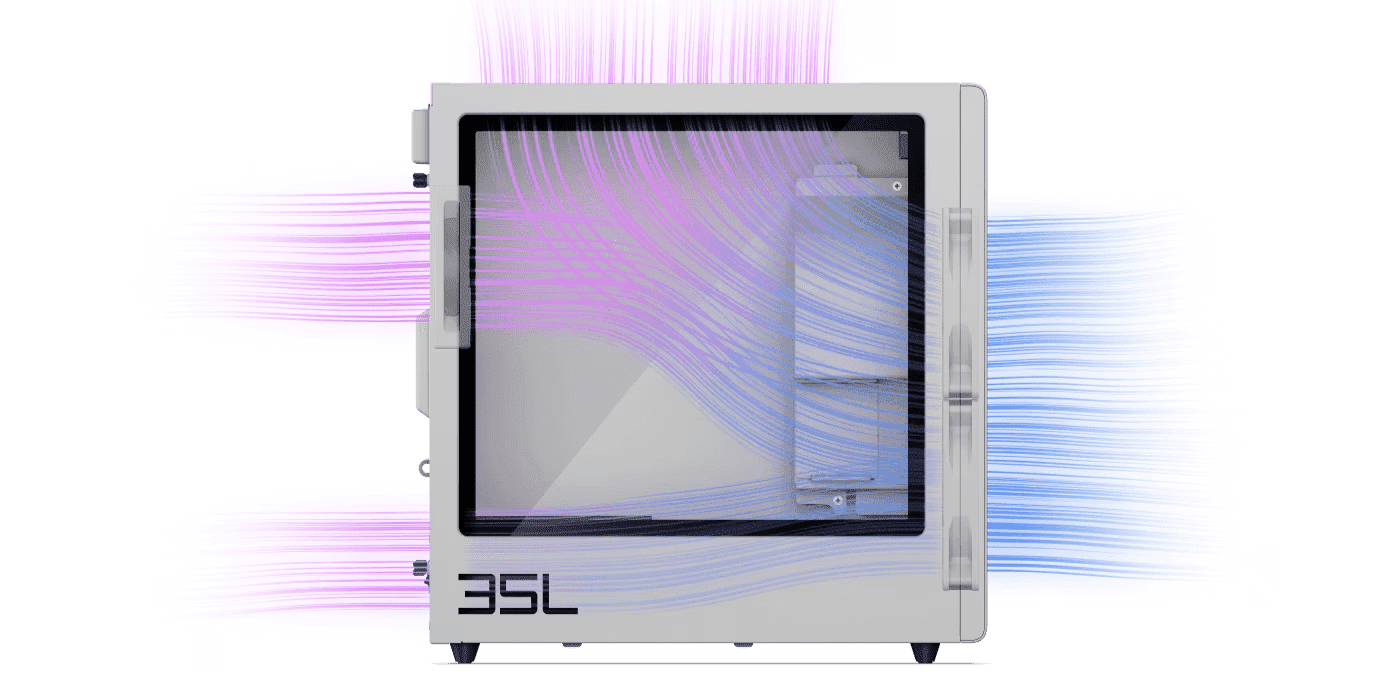
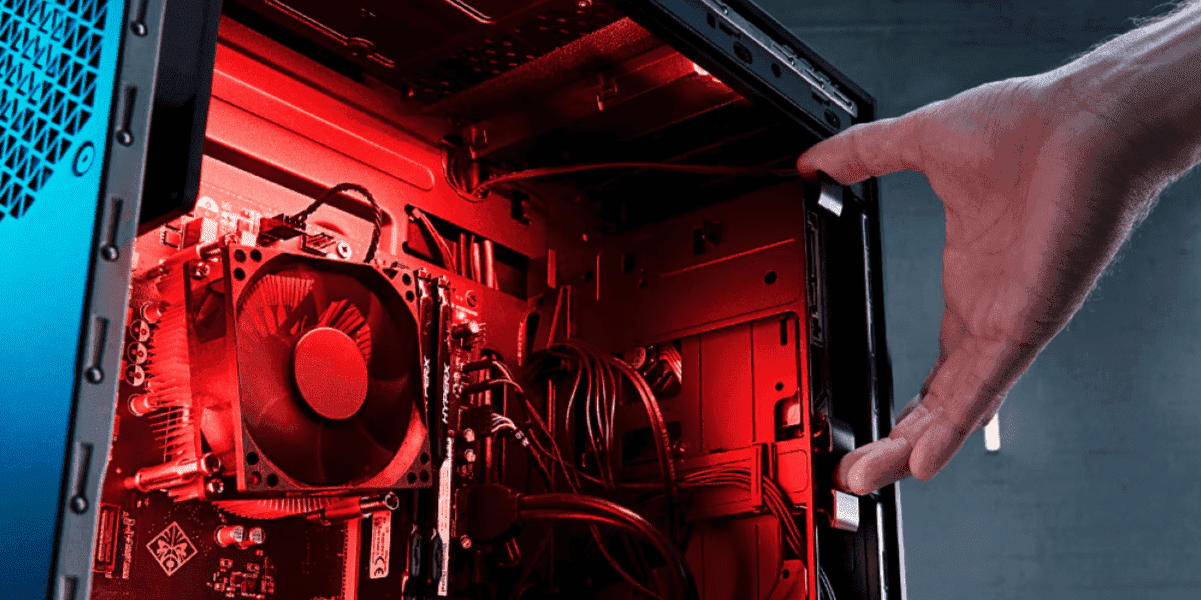
As gaming technology continues to advance across New Zealand, from Auckland esports enthusiasts to Wellington content creators, the demand for powerful hardware with efficient cooling has never been greater. HP OMEN desktops are specifically engineered for peak gaming performance, and the secret often lies in their sophisticated thermal architecture designed to keep heat under control.
-
Posted: October 03, 2025Categories: Laptops
 Read more »
Finding the perfect AI PC that balances performance and affordability requires strategic planning, particularly for Kiwi buyers navigating the local tech market. Whilst cutting-edge AI technology often commands premium prices, understanding the market and your actual needs can help you secure powerful AI capabilities without overspending. This comprehensive guide breaks down AI PC pricing, reveals money-saving strategies, and identifies the best value options across every budget tier for New Zealand consumers.
-
Posted: October 01, 2025Categories: Miscellaneous
 Read more »
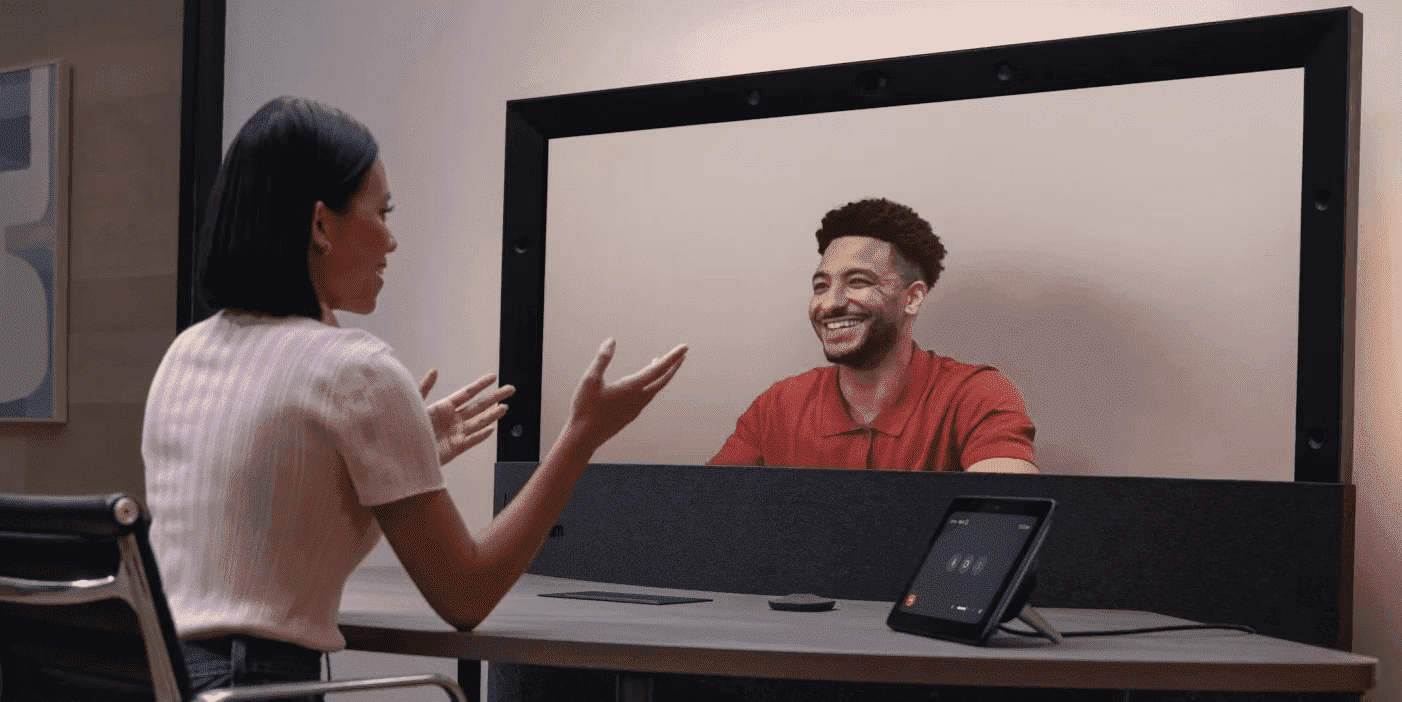
The landscape of business communication is undergoing a remarkable transformation across New Zealand. From Auckland’s bustling business districts to Wellington’s government offices, organisations are embracing cutting-edge video communication technologies that bridge distances and create meaningful connections. As remote and hybrid working models become increasingly prevalent in the New Zealand market, the demand for sophisticated video conferencing solutions has never been greater.
-
Posted: September 20, 2025Categories: Desktops
 Read more »
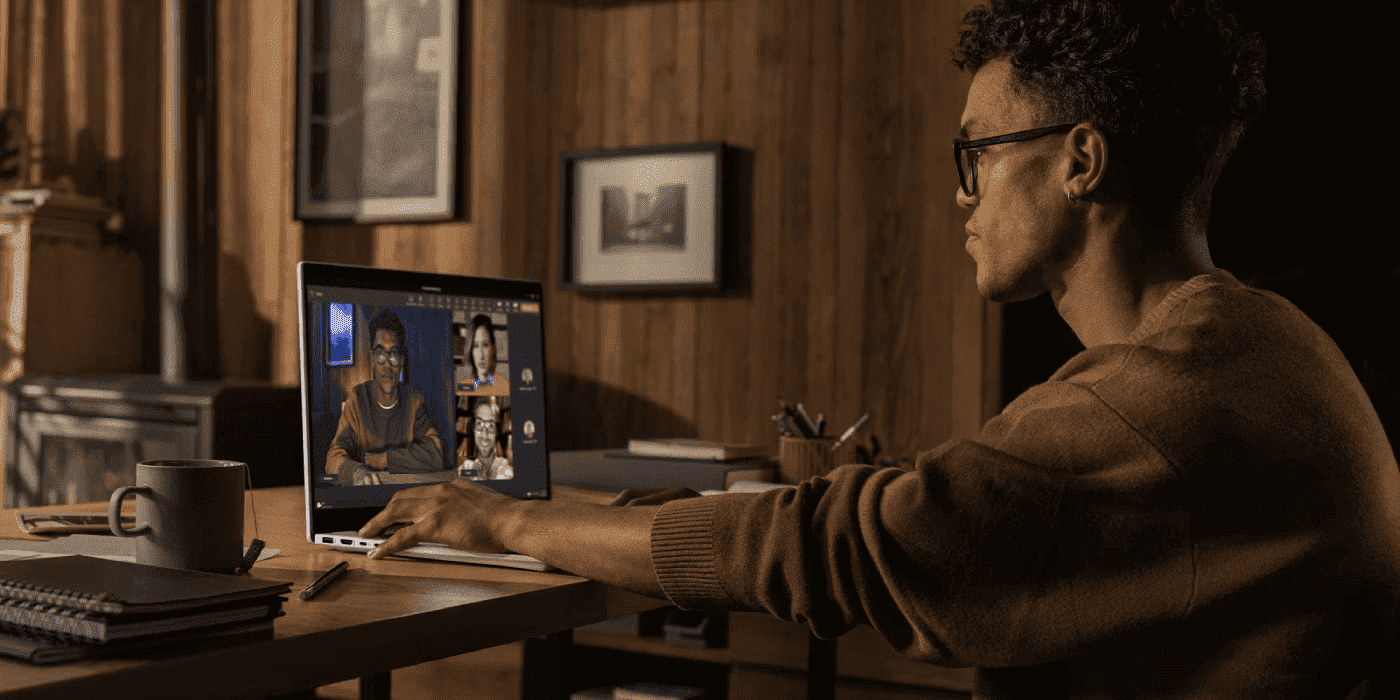
The computing landscape across New Zealand is undergoing a fundamental transformation. Whether you’re working from home in Auckland, studying in Wellington, or running a business in Christchurch, the way we interact with technology is evolving rapidly. Whilst traditional PCs with standard CPUs and GPUs have served us well for decades, AI PCs are emerging as the next evolution in personal computing. These systems combine traditional processing power with specialised AI hardware, creating machines that work smarter, not just harder.
-
Posted: September 19, 2025
 Read more »
Superior audio quality transforms your laptop experience, whether you’re streaming music, attending video calls, or creating content across New Zealand’s diverse landscapes. From Auckland’s bustling creative studios to Wellington’s thriving tech scene, crystal-clear sound has become essential for both work and entertainment. Audio quality directly impacts how clearly you hear music, dialogue, and voices in calls or meetings, making it crucial for New Zealand’s increasingly remote workforce.
-
Posted: September 19, 2025Categories: Laptops
 Read more »
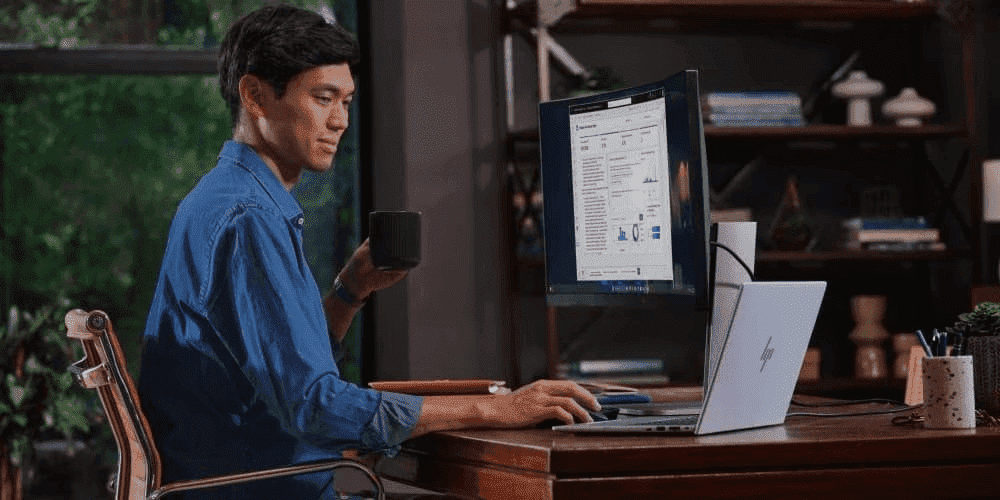
AI is transforming the way Kiwis work, innovate, and solve complex problems. In just a few years, we’ve transitioned from conventional PCs to a new era of AI-powered computing. These systems aren’t merely faster laptops—they feature specialised hardware and software to enhance tasks such as image generation, instant translation, on-device inference, and various machine-learning activities tailored for New Zealand’s dynamic workforce.
-
Posted: September 16, 2025Categories: Laptops
 Read more »
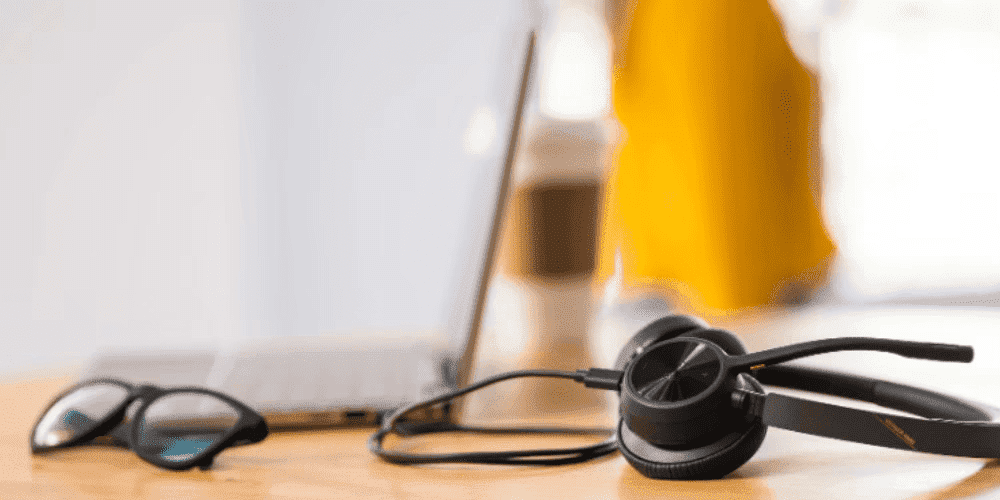
Imagine completing a full workday, streaming your favourite shows, and planning tomorrow’s projects, all on a single charge. Meet the HP OmniBook X series, where AI doesn’t just assist—it transforms how you create, connect, and accomplish your goals across New Zealand’s diverse work environments.
-
Posted: September 12, 2025Categories: Miscellaneous
 Read more »
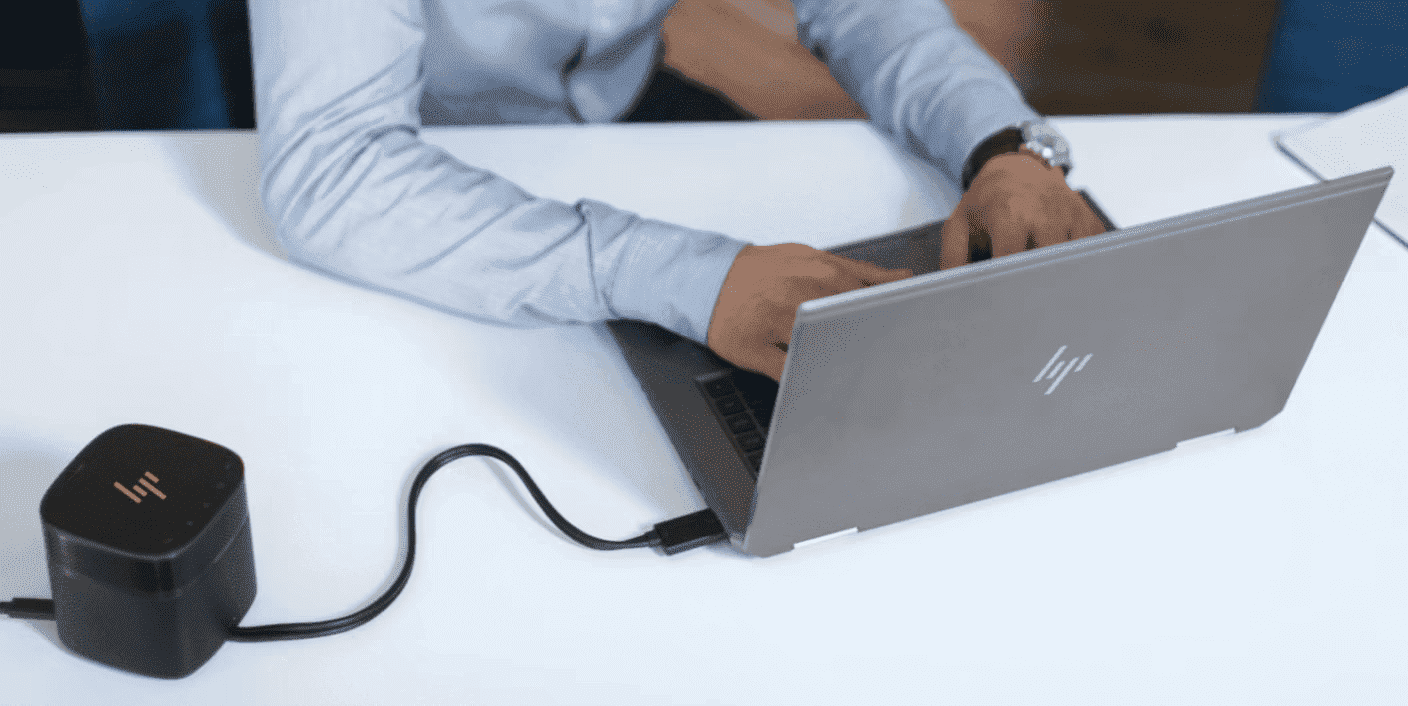
Whether you’re a student at Auckland University or a professional working from Wellington, HP portable devices make our lives easier across New Zealand. However, for that to happen, their batteries need to be fully charged and working smoothly. Whether you use an HP laptop or any type of HP wireless accessory, charging problems can complicate both your daily and professional life. What makes this issue particularly frustrating is that there are many possible causes: from a faulty battery to a loose power cable, many things can lead to HP device charging problems.
-
Posted: September 12, 2025Categories: Miscellaneous
 Read more »
This comprehensive guide explores the current state of external graphics cards (eGPUs) for laptops in 2025, addressing whether they truly deliver on their promises and if they’re worth the investment for Kiwi users. We’ll examine how eGPUs function, setup requirements, real-world performance benchmarks, compatibility challenges, and practical use cases across New Zealand’s diverse computing landscape. Plus, we’ll cover the latest Thunderbolt 5 technology, discuss performance trade-offs with actual numbers, and help you determine if an eGPU solution fits your needs or if alternatives like HP’s dedicated gaming laptops might better serve your requirements.
-
Posted: September 11, 2025
 Read more »
We’ve all been there: you settle in for a productive work session, power up your laptop, and suddenly it sounds like a miniature jet engine has taken flight on your desk. A noisy laptop fan, clicking hard drive, or unusual mechanical sounds can quickly shatter concentration and raise concerns about your hardware’s wellbeing—particularly important when you’re working from home in New Zealand’s varied climate conditions.
Recent Posts

Popular Posts




Products purchased through this store are sold and fulfilled by Ingram Micro (NZ) LTD

CONTACT US
Call us
- Sales
- 0800 854 848
- Technical support
- +64 9884 8600
Mon-Fri 9.00am - 6.00pm
(exc. Public Holidays)
Chat with us
- Our specialist are here to help
- Live chat
Mon-Fri 9.00am - 6.00pm
(exc. Public Holidays)
Submit feedback
We value your opinion!